I had Gemini, ChatGPT, and Claude deliver a morning briefing to me every day.
Nov 21, 2026
The first thing the reviewer does after picking up a phone in the morning is check email. The reviewer also checks the day's events, notes the weather, especially when planning to go out later, and scans the headlines on the Discover page. That is several apps to see only a few things.
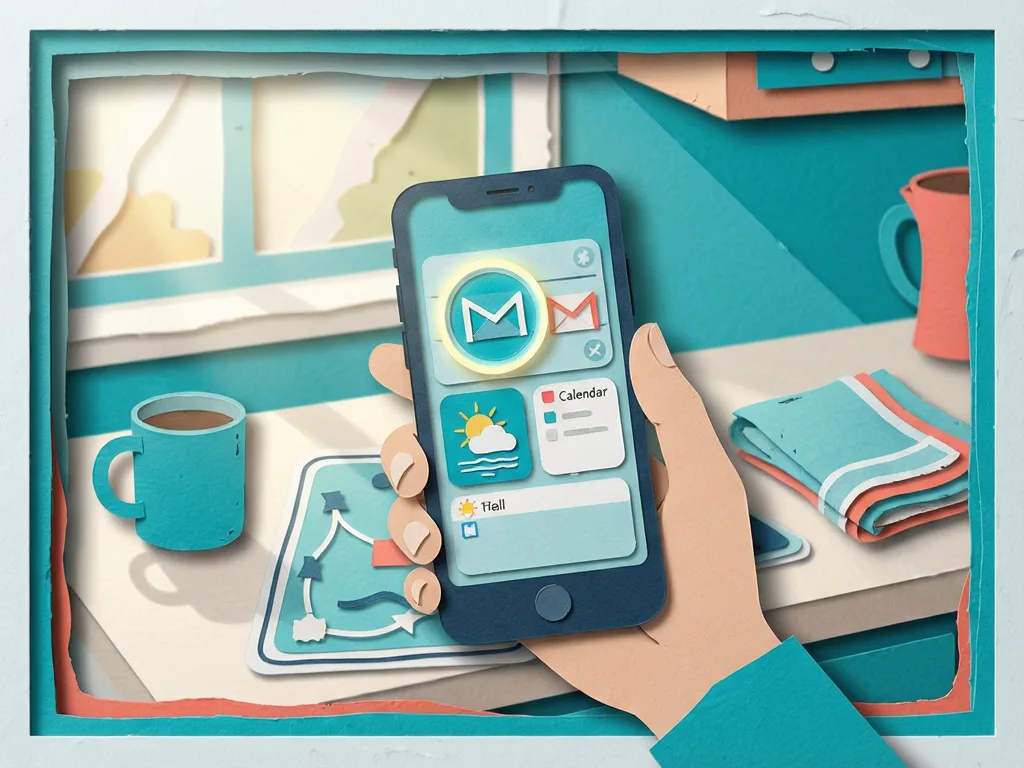
Because many AI tools can connect to those apps and browse the web, the reviewer thought an AI brief could deliver the important updates instead. The reviewer was not sure which AI tool to use, so Gemini, ChatGPT and Claude were tested.
What each assistant was asked to send at 7 a.m.
All three chatbots were told to send a 7 a.m. daily brief. The brief had to include Chicago's weather forecast and whether an umbrella or jacket was needed, Google Calendar events, the three most important unread emails, the top three tech news stories, and the first thing to do for the day.
The setup was simple overall, with Gemini and ChatGPT slightly easier. ChatGPT showed buttons in the chat to connect Gmail and Calendar. Gemini did not need extra setup because it is already connected to Google's apps.
Claude also suggested connecting Calendar, but it did not provide the same buttons, so the reviewer had to use the connector settings. While setting up all three apps at once, the reviewer got carried away and forgot the Calendar connection. As a result, the next morning's brief did not include any calendar information. The issue was fixed for later days.
Claude set the brief for 6:44 a.m., because tasks set on the hour can run late when servers are busy.
Gemini was exactly on time, but mostly empty
The reviewer expected Gemini to breeze through the challenge, but it was underwhelming. It sent all the briefs at exactly 7 a.m., never missing even by a minute, and that was the best thing about it.
The content was hardly helpful. Gemini never read Calendar or Gmail. It said there were no Calendar events, even though events had been deliberately created to test the assistant properly. The email section was just as bad, because Gemini always returned an "API service configuration error." That was particularly disappointing, considering how good Gemini in Gmail is.
For the first daily action, Gemini gave nothing useful. It always defaulted to "Tackle your highest-priority task first," which is anything but inspiring. That made sense: without emails or events, it had nothing to anchor its advice to.
ChatGPT filled every section, then sent too many briefs
ChatGPT's briefs were packed, but they were always late. It had actual data on all five sections. It showed calendar events, picked important unread emails from the inbox, and linked news stories to their sources.
It also integrated events and emails when suggesting the first daily action. One morning, it asked the reviewer to consider renewing a subscription from the Gmail inbox before an event that morning. That is the kind of everyday planning where ChatGPT beats Gemini.
It sent two briefs every morning, which was somewhat annoying. During setup, the reviewer wanted to see how the chatbots reacted to changes. The original prompt made Chicago weather the first item on the list. Then a follow-up asked for calendar events on top. All three chatbots acknowledged the change, but ChatGPT kept sending two briefs: one with weather on top and one with events on top.
The timing also moved around. ChatGPT's briefings came at different times and seemed to get later each day: 7:18 a.m. on day 1, 7:32 a.m. on day 2, and 7:39 a.m. on day 3. If you want on-time briefs, ChatGPT is not the one.
Claude became the most useful once the calendar was connected
Claude's briefs covered everything that mattered, when connected. The only weak brief was day 1, when the calendar connection had been forgotten. After that, the subsequent briefs carried all the requested information.
Claude listed all calendar events. It was also the only chatbot to highlight an email from an actual person on a particular day, unlike ChatGPT, which listed automated emails for that same day. Its weather forecast was the closest to Google's.
The best part was how Claude combined everything to give the most useful next steps. One day, it suggested finishing an article before a 9 a.m. meeting so the reviewer could be well ahead of a 5 p.m. deadline. The next day, it told the reviewer to lock in pitches before a 5 p.m. call. That was exactly the kind of information the reviewer wanted.
The only slight annoyance was the notification shade. Claude was the only one that never previewed the brief at first. It just said "Briefing sent" on the first two days. By day 3, it started adding sources to its notification previews. It still did not highlight what the brief contained, but that was not a problem, since the reviewer would read the whole thing anyway.
What the test means for readers choosing an AI brief
The reviewer expected Gemini to ace this because many of the tasks depend on Google's tools: Gmail and Calendar. But it could not read those apps. ChatGPT came close and is the best on a free plan, since Claude only offers scheduled briefings on its paid plans. Claude was better overall, especially at integrating all the information it received.
For readers, the result shows that an AI brief is useful only when the assistant can access the right apps, send the summary on time, and combine schedule, email, weather and news into a concrete next step. Claude's briefs are definitely worth waking up to. The original test was credited to Lucas Gouveia / Android Police.
If you do not mind Claude taking on more Google apps, it can also clean up Drive when Gemini won't.
Related Apps


Recommend Apps