One UI 9.5 has arrived and I am already enjoying these features
Nov 23, 2026
What changes in the first One UI 9.5 beta?
Samsung has rolled out the first One UI 9.5 beta for the Samsung Galaxy S26 in select regions. After spending a few hours checking the new features, there is already a lot to like: native app locking, Tap to Share inside Quick Share, a live depth effect for lock screen wallpapers, smarter Privacy Display, storage cleanup suggestions in My Files, and a short pause before opening distracting apps.
How does One UI 9.5 improve app privacy?
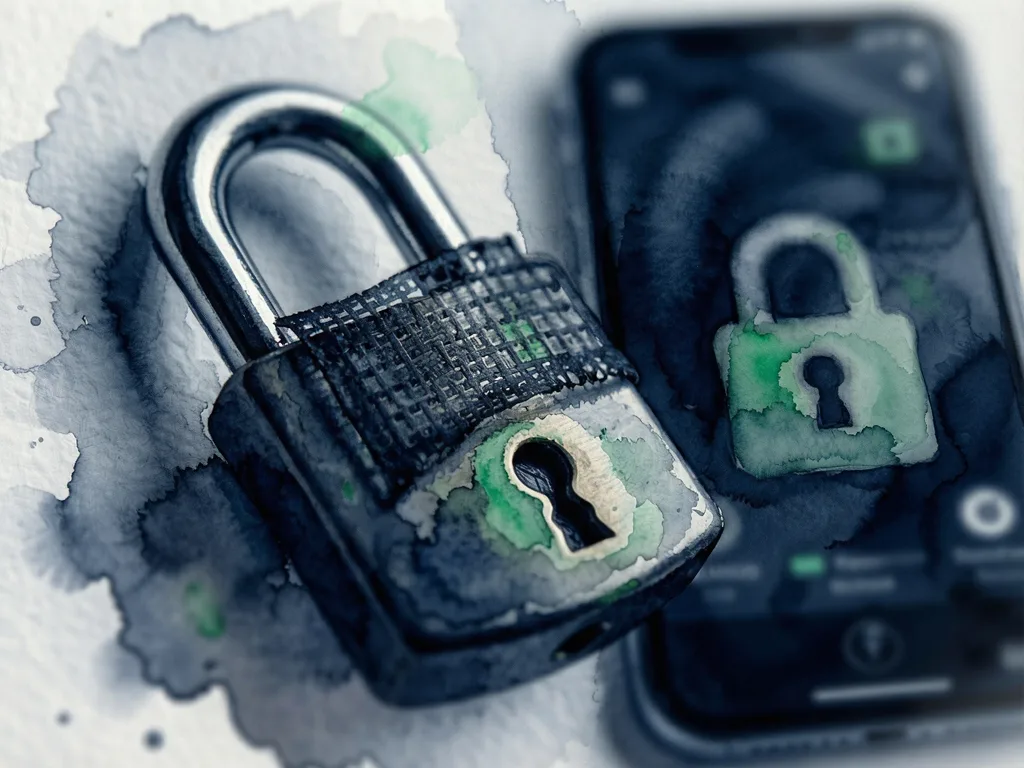
One UI 9.5 adds native app locking, so you no longer need Secure Folder or other workarounds to lock apps. A long press on the app icon followed by the padlock option locks it. The app then loses any home screen widgets connected to it, and its notification content is hidden.
If you want to lock several apps at once, go to Settings > Security and privacy > More privacy settings > App lock and select them together. After locking, you can unlock the app with your fingerprint, face, or lock-screen personal identification number. The beta also allows fingerprint and face recognition to work at the same time, so if you are looking at the screen, the app may unlock before you touch the sensor.
One of the Galaxy S26 Ultra's biggest highlights is Privacy Display, and One UI 9.5 makes it more automatic. You can set it to turn on when you use locked apps, check Secure Folder, browse private albums in Gallery, or view locked notes in Samsung Notes.
That is useful because Privacy Display normally has no reason to activate when you scroll through the main Gallery or read a regular note. It becomes important when private albums or locked notes appear. With the smarter trigger, there is less need to enable and disable it by hand.
How does Tap to Share make Quick Share faster?
Quick Share has become one of the author's most-used Android features in recent years, especially now that it works with Windows and Apple devices. One UI 9.5 brings Tap to Share to Quick Share. With Tap to Share, contacts, links, photos, videos, and location can move between two compatible devices when their backs are tapped together.
To enable it, go to Settings > Connected devices > Quick Share > Tap to share. Both phones need to be unlocked and have Near-field communication turned on. Tapping the backs of the phones shares contact profiles. To share an image, video, or file, select it, tap the Share menu, then tap the backs of the devices.
How can My Files help if you have 256GB and no microSD card slot?
Managing storage is a constant struggle on the author's Galaxy S26, which has 256GB of internal storage and no microSD card slot. One UI 9.5 makes that a bit easier.
The My Files app now offers cleanup suggestions that make it easier to remove unwanted junk quickly. Inside My Files, go to Manage storage, and you will see a Free up space option. Tap it, and the app shows how much space you can free by deleting pre-edit backups, temporary trash data, emptying the recycle bin, and clearing app caches. From there, use the checkboxes and tap Delete.
The flow is somewhat similar to what Files by Google has offered for a while, so it is nice to see Samsung catching up. The original screenshots by Pankil Shah show the My Files cleanup flow, and no attribution is required.
What does the new lock screen depth effect do?
The author had always envied the iPhone's Spatial Scene effect on the lock screen, which separates a photo's foreground and background and adds a three-dimensional wallpaper effect. As you tilt the phone, the image moves slightly.
One UI 9.5 brings that same effect to Galaxy phones. On the lock screen edit menu, choose Live effect, and the phone automatically applies the three-dimensional tilt effect to your wallpaper. It makes the lock screen look far more alive than a regular wallpaper.
How does a 10-second pause before app launch help with doomscrolling?
The author works from home and gets distracted easily, so looking for ways to cut down screen time is always on the mind. One UI 9.5 adds Pause before app launch for that reason.
Enable it in Settings > Digital wellbeing > App timers. Tap the plus icon at the top, pick an app or app category, and switch on the Pause before app launch toggle. The feature adds a 10-second wait timer when you launch that app. That brief delay can make you stop and ask whether the app is truly needed at that moment.
When will the stable One UI 9.5 version arrive?
After using all these features, the author says the Galaxy S26 feels much more fun with these upgrades and cannot imagine going back to the stable build. The author also cannot wait to see what Samsung adds before this rolls out widely.
Samsung has not announced an exact release date for the stable version, though it will likely debut alongside the Galaxy S27 series next year.
Related Apps






Recommend Apps