This free offline recorder has replaced Google Recorder on all my non-Pixel phones
Nov 29, 2026
DiPLO Brings Google Recorder-Style Offline Transcription to Android Phones That Date Back to 2016
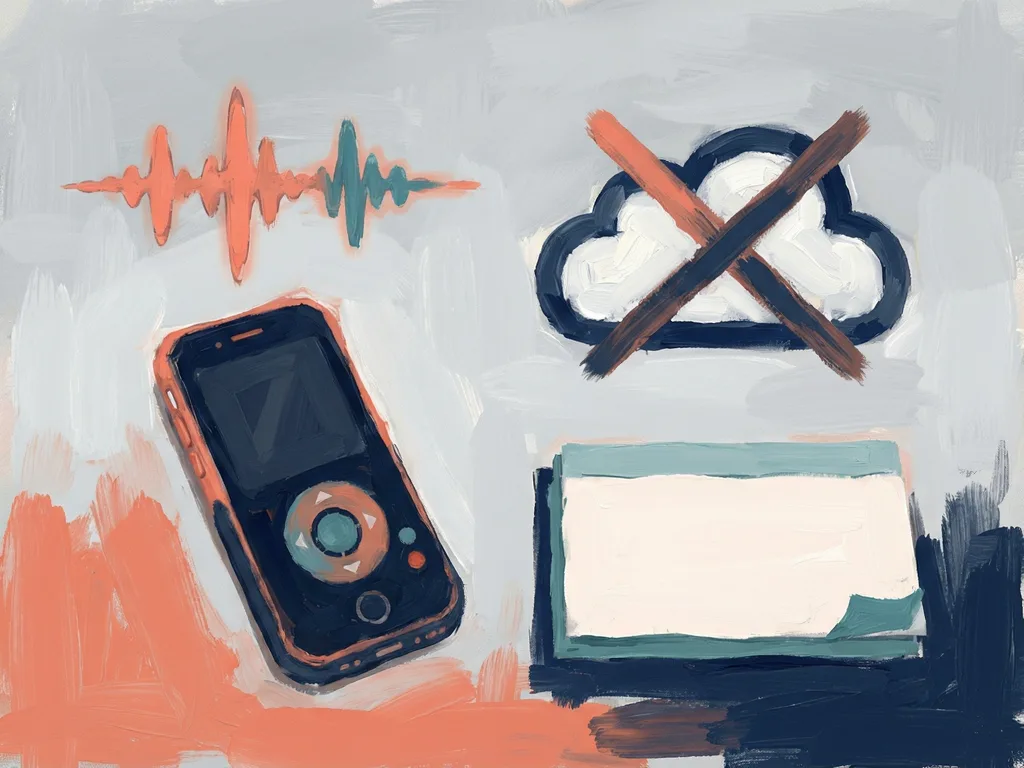
Google Recorder is one of the Android utilities that makes Pixel-only exclusivity feel frustrating. The review says the writer loves using it on a Pixel for on-device transcription during in-person meetings where they need to take a lot of notes. But the writer has multiple Android phones, not all of them Pixels, and because the Pixel is not the daily driver, the missing app is Google Recorder. The review argues that Google utility apps should be available to everyone, especially because Google Recorder does not do anything special or exclusive-worthy. It also notes that many non-Pixel Android phones offer a better Android experience, so the writer prefers using them as the daily driver. The only app actually missed was Google Recorder. After testing many alternatives, the review found a worthy contender: DiPLO: Offline Voice to Text. The review says the writer no longer misses Google Recorder on other phones thanks to DiPLO.
What DiPLO is
DiPLO is an app that does offline voice-to-text like Google Recorder and works on most phones. It transcribes using Nvidia's Parakeet AI model. The transcription happens on-device after the user downloads Nvidia's model during initial setup. It works on Samsung, Motorola, OnePlus, Xiaomi, and other Android devices. It does not require an account or cloud subscription. The review calls it a privacy-first voice recorder.
Why offline transcription matters
The value here is not only having a transcript. It is having the transcript without relying on a cloud service. On-device transcription means the phone does the speech-to-text work locally. DiPLO follows that model, and the review says its privacy-first approach puts more emphasis on processing recordings and transcripts on the device. For readers who use multiple Android phones, that can make the app useful on non-Pixel devices without being locked to Pixel hardware.
What the free version includes
The free tier lets users make and transcribe unlimited recordings, no strings attached. The review was impressed with that tier and says the premium tier offers features most users don't need. Premium features include speaker identification, WAV audio quality, Wi-Fi transfers, and advanced voice processing. For casual users, those extras may not be necessary. For people who record many meetings, want cleaner audio, or need to move files between devices, they can matter.
How much DiPLO Premium costs
DiPLO Pocket's premium plans cost $4 per month, $23 per year, or $45 for a one-time lifetime purchase. The app also uses regional pricing, so prices may vary. The paid plans are therefore not required for the basic recorder and transcription workflow, but they add features that appeal to heavier users.
How it handles older phones and non-Pixel devices
The review says the writer always wanted a recorder that could do Google Recorder's job and work with older phones too. DiPLO handles that requirement. It works with devices running Android 7.0 or newer, and it works with most phones dating back to 2016. The writer tested it on a OnePlus 9 Pro and said it works flawlessly, though transcription takes slightly longer than on a Xiaomi 17. That difference is still acceptable, especially for a device that is not the newest phone in the writer's drawer. The point for readers is that DiPLO does not require the latest flagship hardware to do the main job.
What transcripts and sharing look like
DiPLO adds timestamps and delivers near-perfect transcripts that the writer says can be used for meeting and call recordings. The app lets users share recordings, as well as transcripts in Markdown format. Markdown is useful for later use in apps like Obsidian or Notion because it is a plain-text format that many note tools handle cleanly. Beyond live transcription, users can also import recordings and get usable transcripts.
What audio tools it adds
The app includes voice cleanup, noise reduction, and a de-esser. These features are meant to make recordings crystal clear. A de-esser reduces harsh s sounds, while noise reduction targets background noise. The review says the app appears to apply a high-pass filter and noise-reduction techniques similar to what the writer experienced in Nvidia RTX Voice on desktop PCs. Users can record audio in MP3 or WAV format, depending on the use case. For everyday use, MP3 is described as perfectly fine and gets the job done. For a professional who needs lossless audio, WAV is recommended because it gives more material to work with in a digital audio workstation.
How tags and speaker identification help
The review highlights the ability to add tags to recordings. Users can tag and color-code recordings according to preference, such as meetings, voice notes, or another category. The writer upgraded to premium after regular use. The premium tier is not really needed, but speaker identification made transcribing meetings with multiple people much easier. Speakers can be renamed, and tags can be added to help identify them after a meeting. Premium also unlocks the ability to transfer files via local Wi-Fi to other devices.
What DiPLO still lacks
DiPLO offers on-device processing, transcripts, and offline use like Google Recorder, but the review says it still has gaps. It currently supports only 25 European languages, so readers who record in other languages may not be able to rely on it. It also does not offer on-device AI summarization like Google Recorder at the moment. The review says that feature should be the next addition. The review also mentions a related complaint about Samsung Notes' voice recorder: it let the writer take terrible notes, and the writer wishes they had known that in school.
What this means for readers
For people who love Google Recorder on Pixel but do not want to use a Pixel as the daily driver, DiPLO is presented as the closest app for real-time voice transcription on non-Pixel phones. The review says Google Recorder is a great app on Pixel devices, but there wasn't a good alternative until now. DiPLO works with most phones dating back to 2016 and does a great job of transcribing audio. It lets the writer record and transcribe meetings and interviews without being locked to Pixel hardware. The review calls it the strongest alternative available right now and recommends trying it for a capable recorder in a daily workflow.
Related Apps




Recommend Apps