B Browser (Private Browsing With Built-in Ad Blocking)
MOD Info
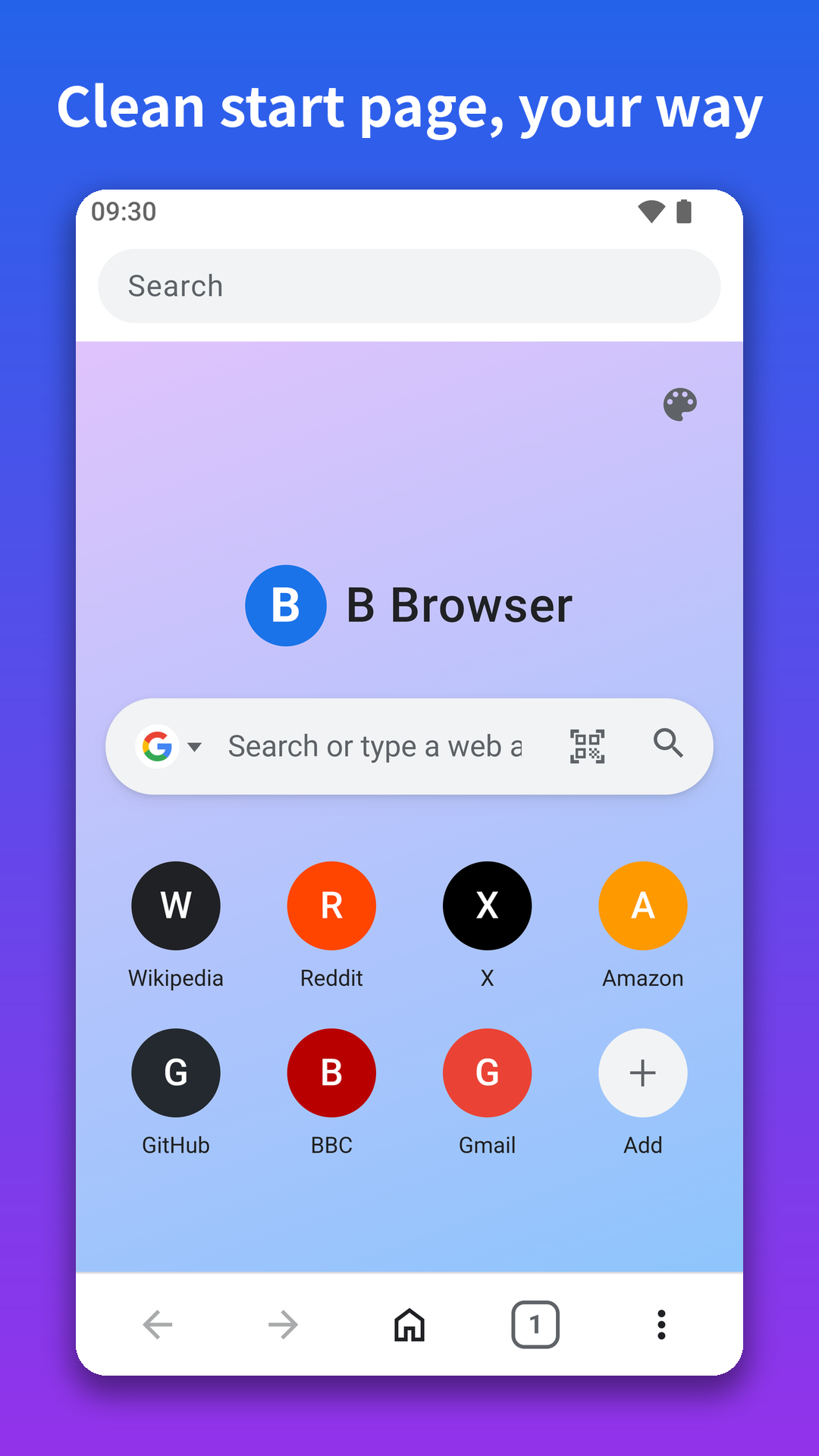
🌐 One-sentence summary: B Browser is an Android web browser built on two ideas: a start page with no news feed or splash ads, and browsing data that never leaves your phone. Beyond the basics it also opens office documents, browses archives and plays video.
I. Basic Information
- App name: B Browser
- Developer: Hubei Yangfei Intelligent Technology Development Co., Ltd.
- Version: 1.2.2
- Requires: Android 7.0 or higher
- Interface languages: 14, including English, Spanish, Portuguese, French, German and Russian
- Open source base: Lightning Browser (MPL 2.0)
II. Privacy and Ad Blocking
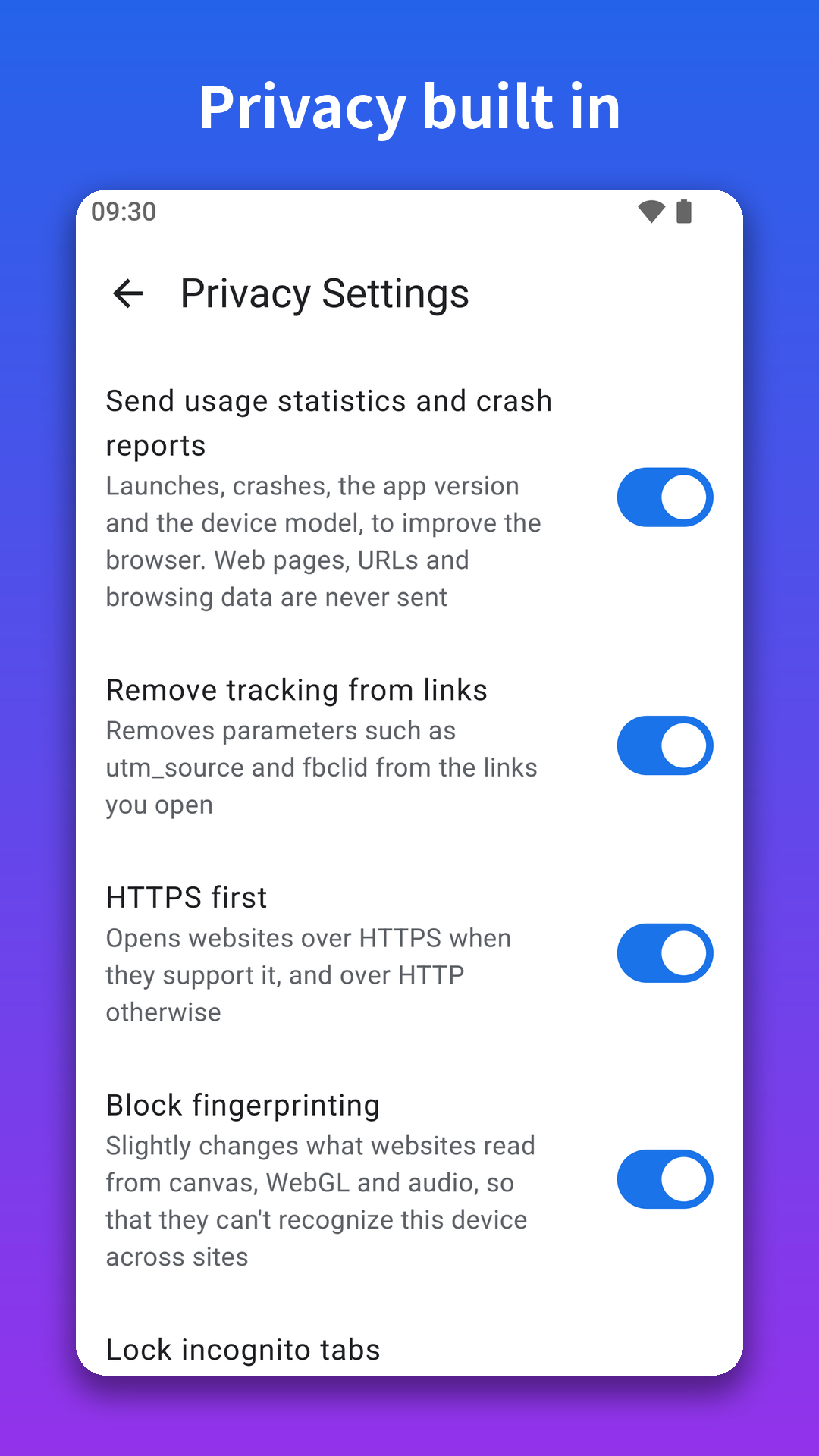
The ad blocker is built in rather than an add-on. On top of it the app removes tracking parameters such as utm_source and fbclid from links you open, tries HTTPS first, alters what sites can read from canvas, WebGL and audio so they cannot fingerprint the device, and lets you lock incognito tabs. History, bookmarks, tabs, downloads and saved passwords stay on the device.
III. More Than a Browser
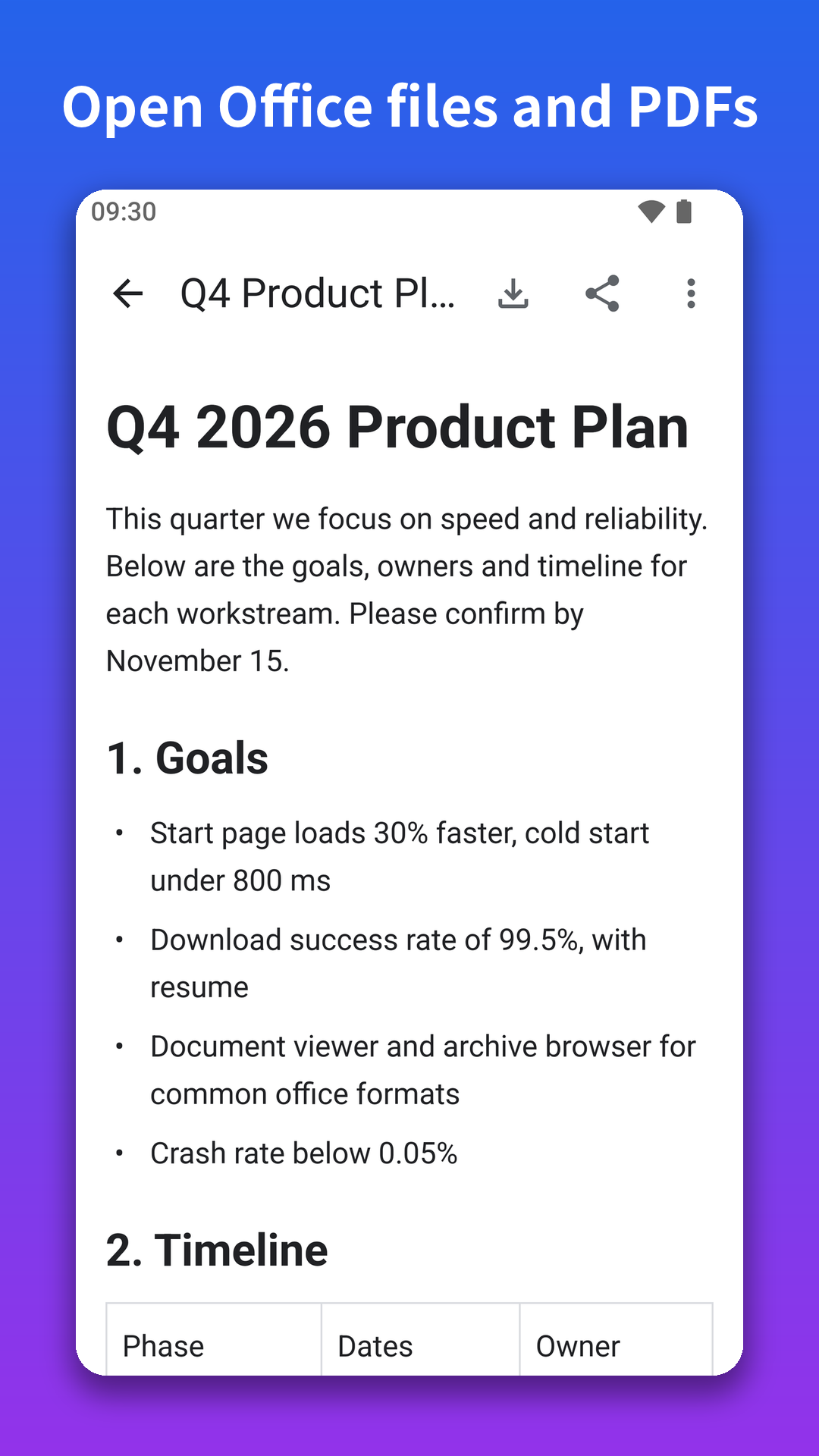
- Open PDF, Word, Excel and PowerPoint files directly in the app
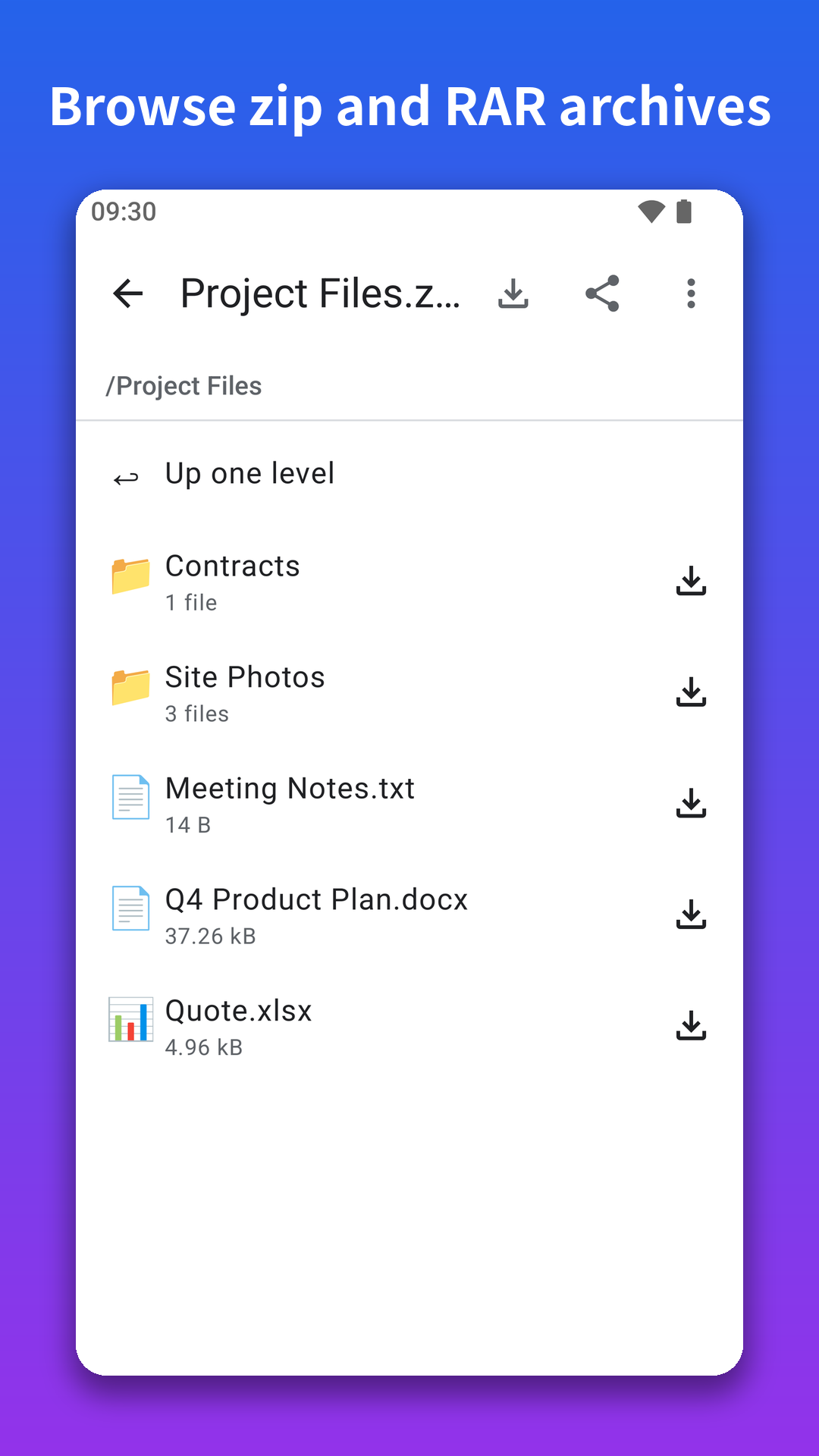
- Browse zip, RAR, 7z and tar archives without extracting them
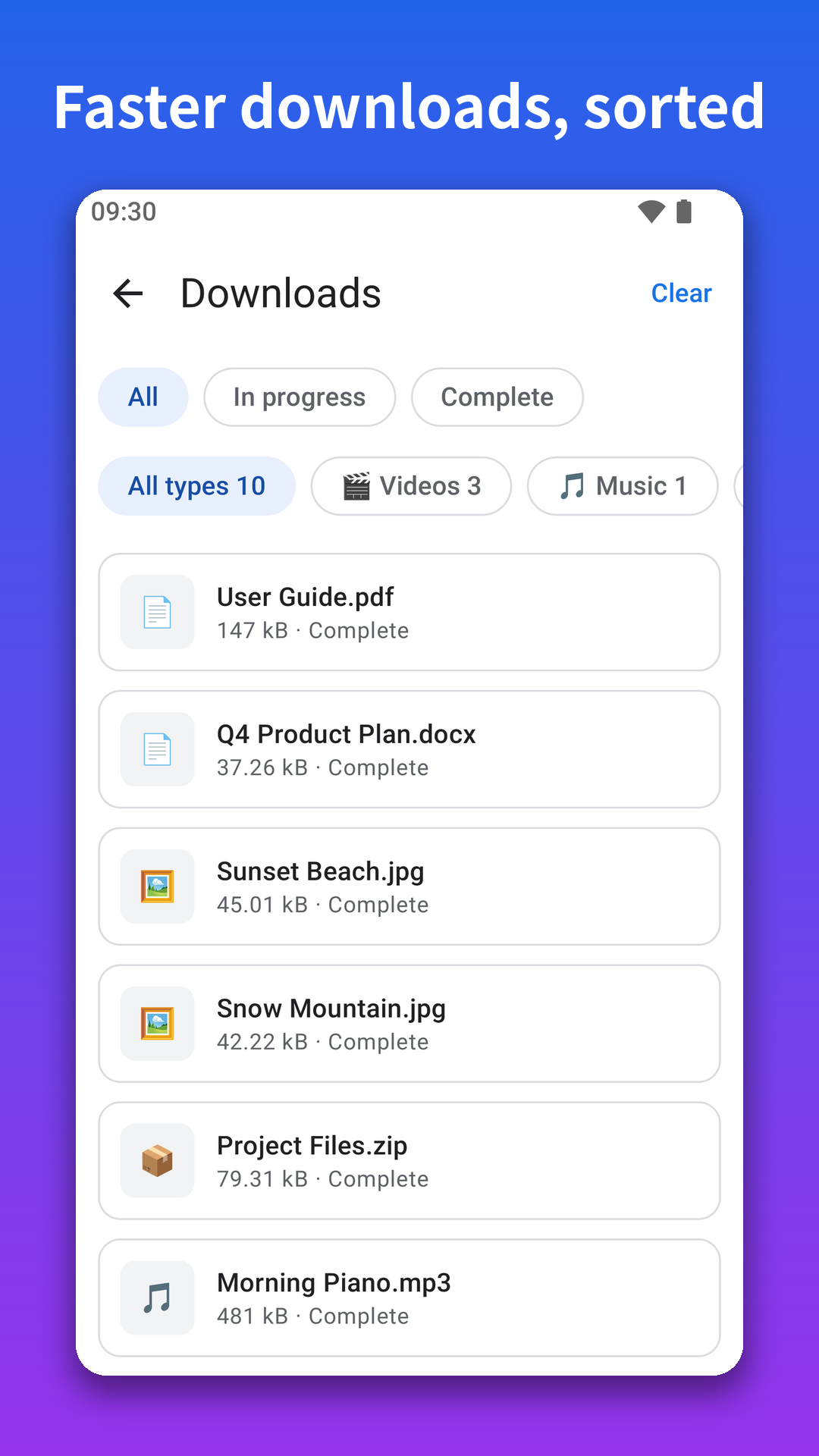
- Downloads use several connections and resume after interruptions, sorted by file type
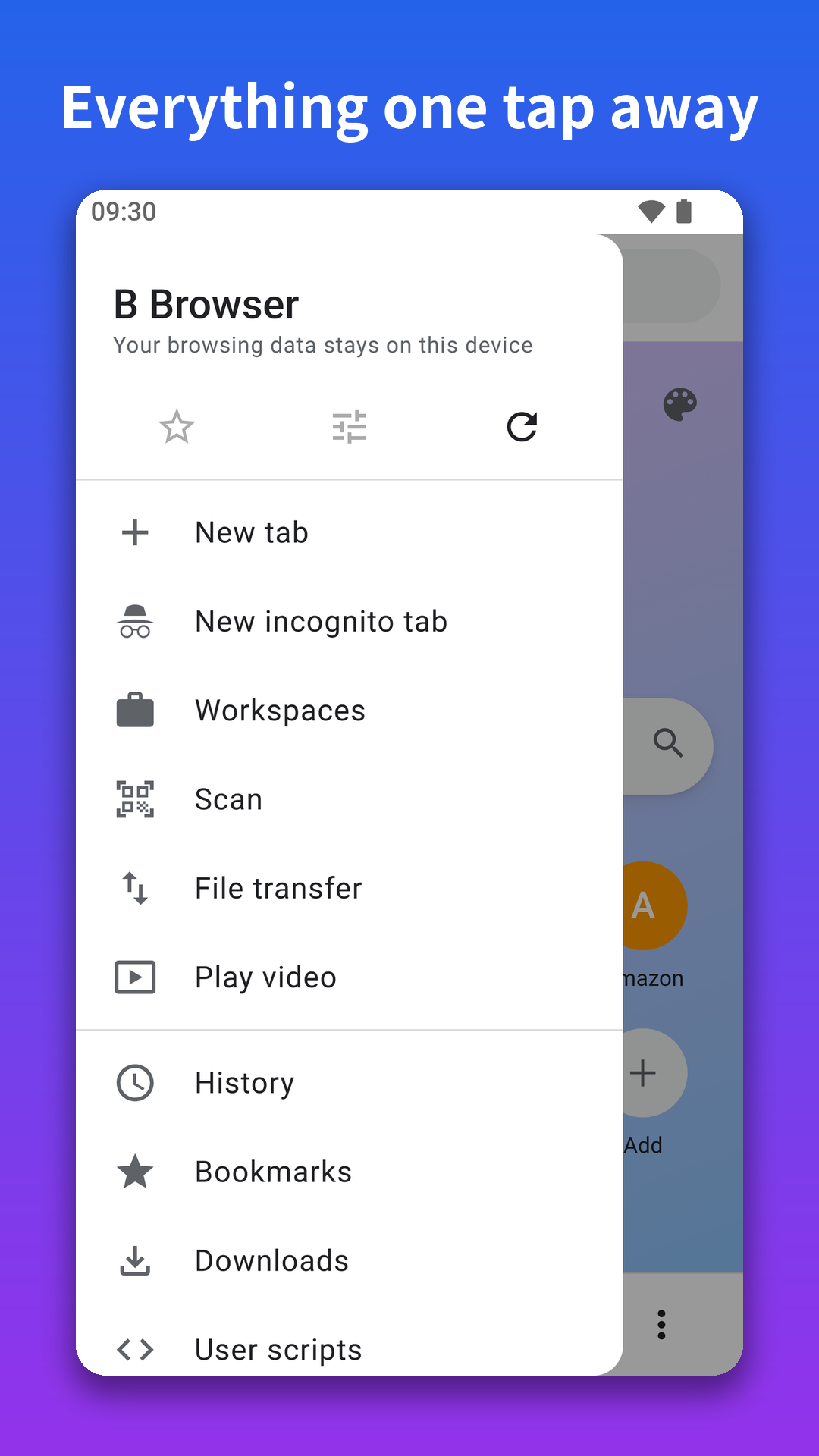
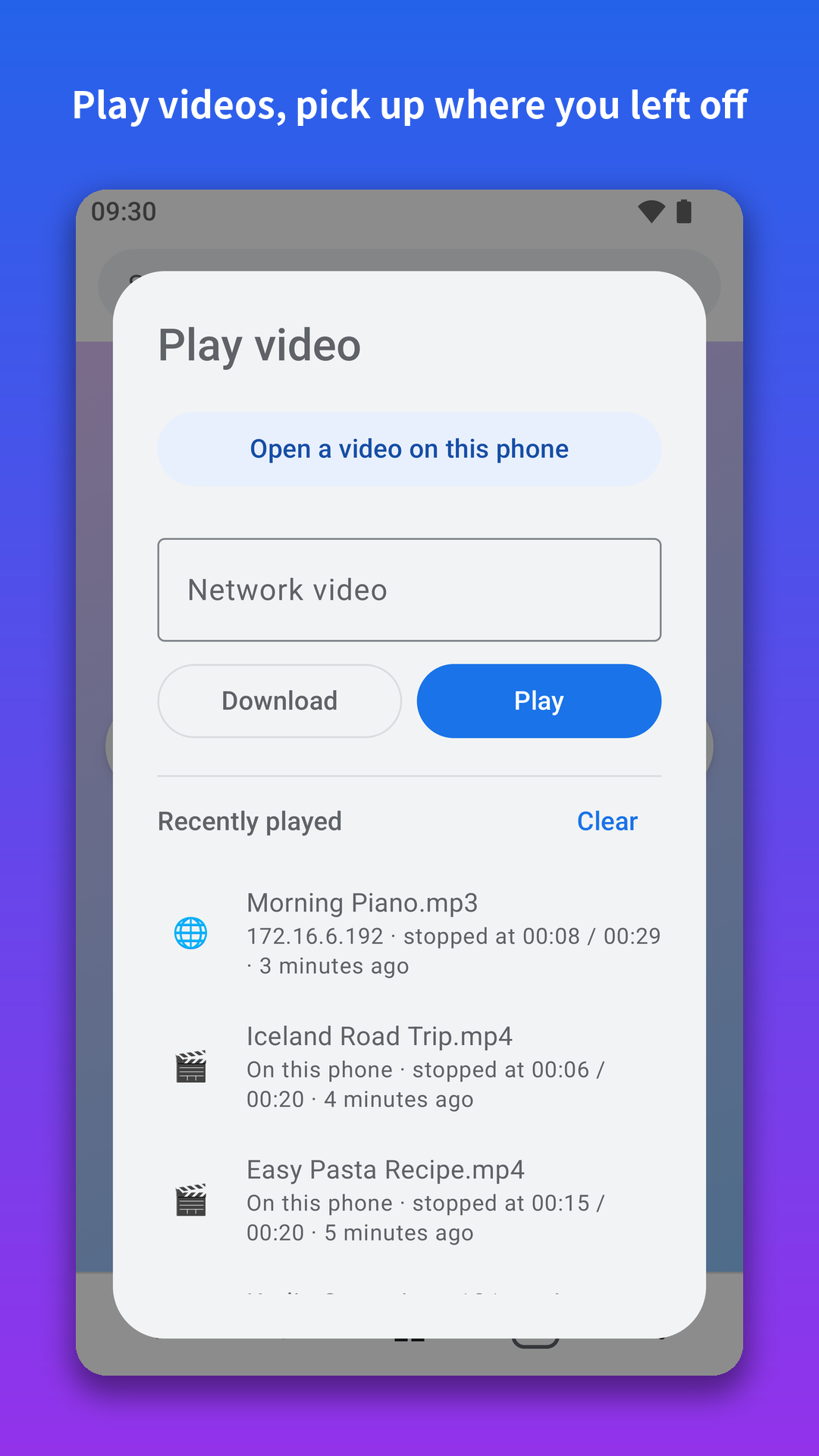
- Video player with picture-in-picture; an on-device QR scanner; Wi-Fi file transfer that needs no cable or mobile data
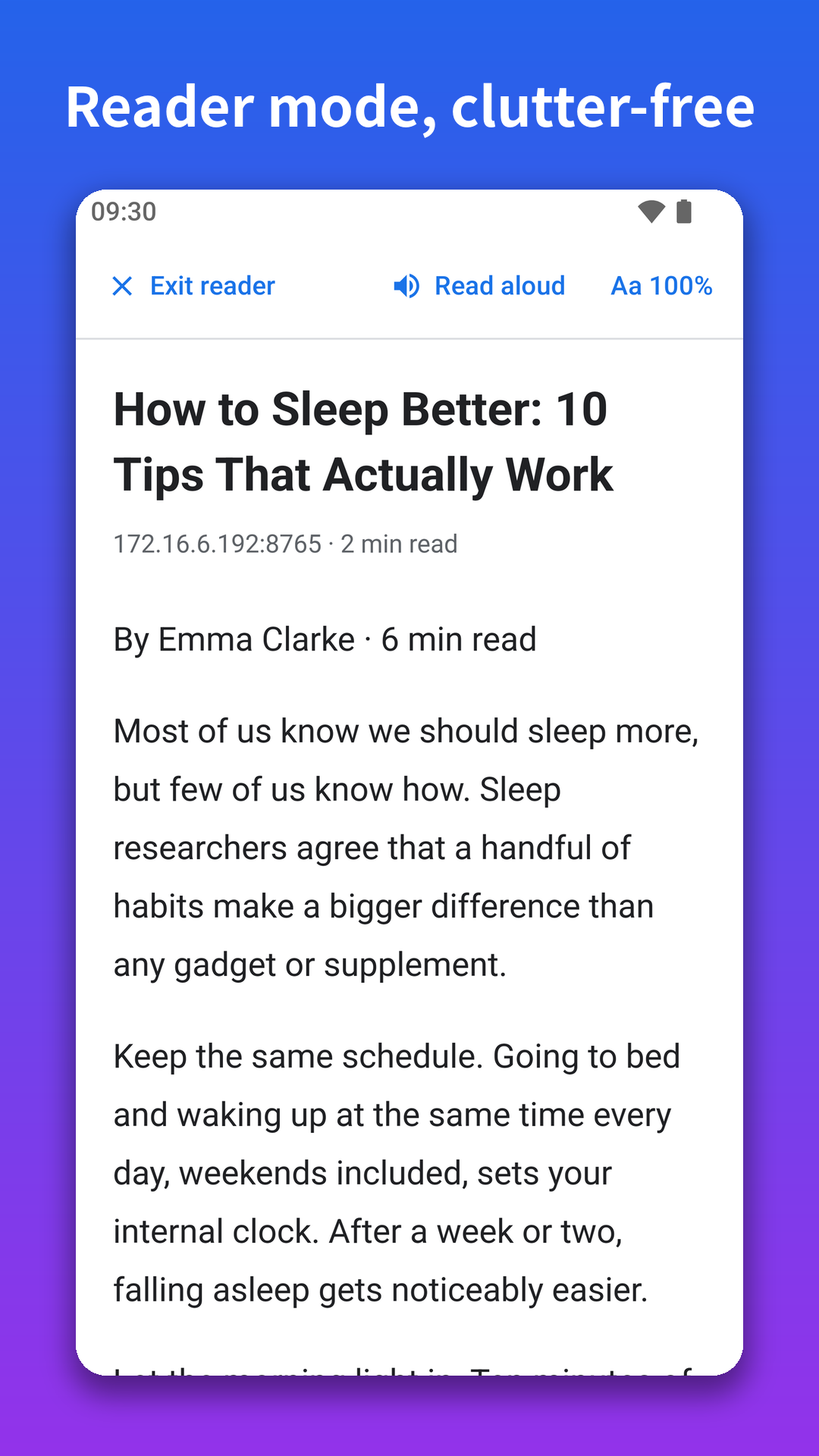
- Reader mode, user scripts, workspaces and an optional AI assistant that summarizes and translates pages with your own API key
IV. Editor's Take
Written by the APKSoar editors. We would point this browser at people who are tired of a crowded start page and want sensible privacy defaults without installing extra apps. The document viewer and archive browser save a trip to a file manager, which is the part we found most practical. Two cautions: ad blocking can change how some pages look (it can be turned off per site), and the AI assistant, proxy and user scripts are advanced features that rely on third-party services or scripts you supply, so only use sources you trust.
Related Articles
 Google's early Android 17 Quarterly Platform Release 2 should be your cue to switch to Pixel.Nov 23, 2026
 Honor 700 series, Mate X8, and other devices are set to launch this week.Nov 23, 2026
 How long does it take to complete Grand Theft Auto 6?Nov 23, 2026
 I use Google Wallet to monitor shopping discounts before they expire.Nov 23, 2026
 Motorola’s next Razr Ultra has surfaced in the Federal Communications Commission database ahead of its 2027 releaseNov 23, 2026
 Learn how to use the social features in Google Maps.Nov 23, 2026

Similar Apps